
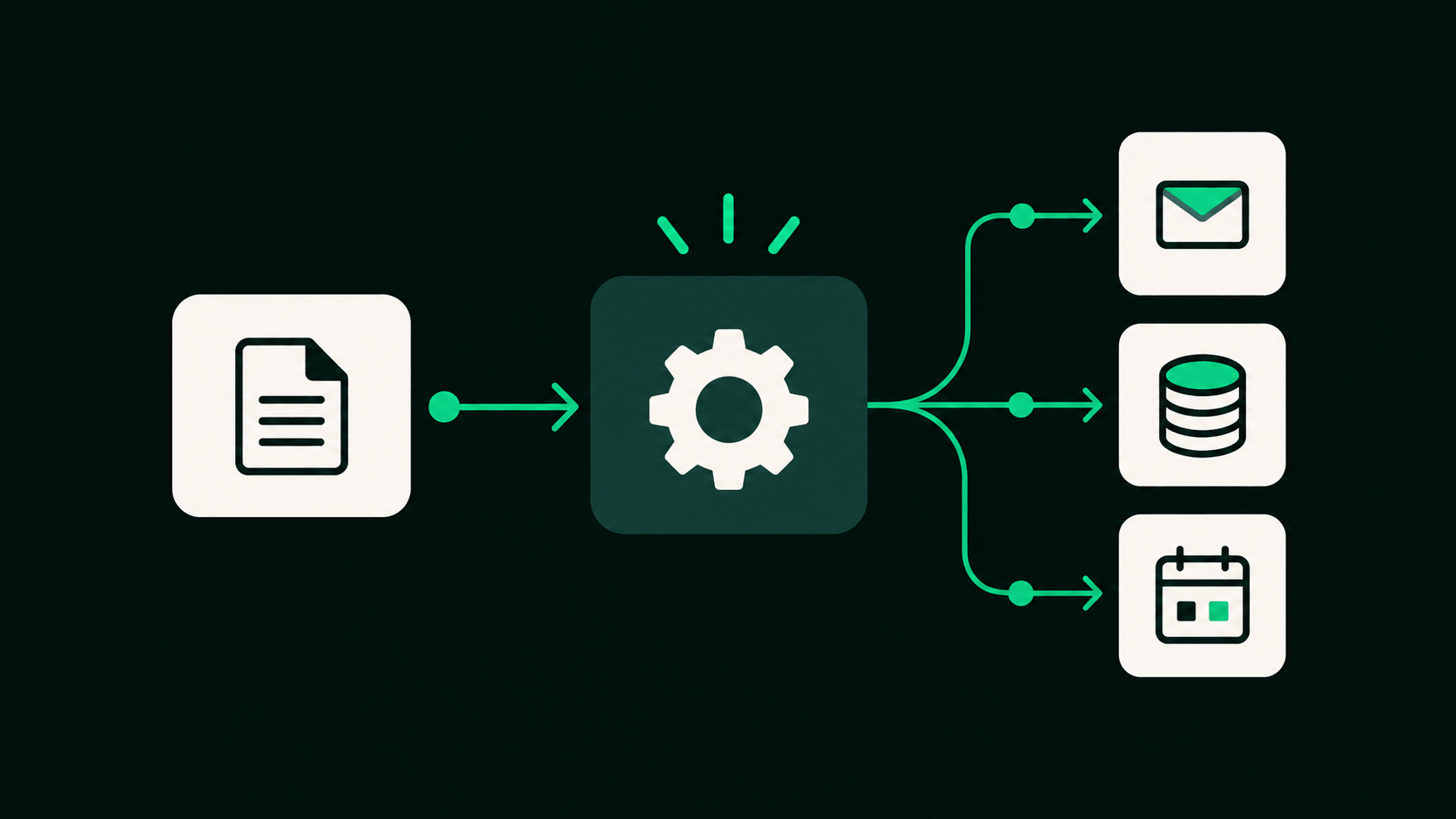
If you've looked into no-code automation at all, you've run into Make and n8n. They both let you connect apps together with a visual, drag-and-drop builder, both have huge libraries of pre-built integrations, and both can genuinely replace hours of manual copy-pasting between tools. On the surface they look like two flavors of the same thing.
They're not, and the difference that matters most isn't a feature, it's how they charge you.
The two ways automation tools bill you
Every automation platform has to measure your usage somehow, and there are two common approaches.
Per step. Every individual action inside your workflow, reading a row, calling an API (a way for two apps to send each other data), formatting some text, sending a Slack message, counts against your usage. A workflow with 10 steps costs 10 times more per run than a workflow with 1 step.
Per execution. However many steps your workflow has, running it once counts as one unit of usage. A 10-step workflow and a 1-step workflow cost exactly the same to run.
Make uses the first model. n8n uses the second. That single difference is enough to make one of them meaningfully more expensive than the other, depending on what you're actually building.
How Make actually charges you
Make bills in credits, and most actions inside a scenario (Make's name for a workflow) consume 1 credit each. Reading data, searching, creating or updating a record, transforming data, each of those steps is its own credit. A scenario with 7 steps burns 7 credits every single time it runs.
Their plans start at $9/month for 10,000 credits, up through $16 and $29/month tiers, all also starting around 10,000 credits before you need to buy more. That sounds like plenty until you do the math on a real workflow.

Make
Make links your apps together so tasks happen automatically, and lays out every step as a flowchart you can see and rearrange, instead of a plain list.
Visit MakeHow n8n actually charges you
n8n counts a workflow execution as one run of the entire workflow, regardless of how many nodes (n8n's name for each step) are inside it or how much data passes through. Their own explanation puts it plainly: it doesn't matter how many steps are in the workflow, it's still a single execution.
Their plans start at €20/month for 2,500 executions, then €50/month for 10,000 executions. A workflow with 3 steps and a workflow with 30 steps cost the exact same amount to run on n8n, as long as they're each triggered the same number of times.
Why this matters more as your workflows get real
A simple 2-step workflow (a form submission drops into a spreadsheet) barely shows the difference. Simple stuff is cheap on either platform.
The gap shows up once your workflows start doing what automation is actually good for: multi-step processes. Say you've got a workflow that fires when a new order comes in. It pulls the customer's record, enriches it with a couple of API lookups, formats the data, posts a notification in Slack, updates your CRM (the software that stores your customer records), and sends a confirmation email. That's a realistic 8-step workflow, nothing exotic.
Run that 5,000 times in a month (a genuinely busy but not huge small business) and here's what happens to each platform:
- On Make: 8 credits × 5,000 runs = 40,000 credits. That's well past the entry-level plans, so you're paying for a much bigger credit allotment, or buying credit top-ups, to cover a single workflow.
- On n8n: 5,000 runs = 5,000 executions. That fits comfortably inside the €50/month Pro plan's 10,000-execution allowance, with room to spare, no matter how many steps that workflow has.
The workflow didn't get more complex between those two platforms. The bill did, and only on one of them.
Where Make still makes sense
To be fair to Make, if what you're building is genuinely simple and low-volume, a couple of 2-3 step workflows, run a few hundred times a month at most, the per-step cost barely matters, and Make's builder is arguably the more polished, beginner-friendly canvas to learn on first. If you're not planning to build anything with more than a handful of steps, or you'd rather not touch a self-hosted server, Make is a perfectly reasonable choice.
The other reasons n8n tends to win
Pricing is the headline reason, but it's not the only one.
Self-hosting. n8n is open-source (its code is public, so anyone can use or modify it), and you can self-host it (run it on your own server instead of theirs) for free. If you're technical enough to run it on your own server, your automation costs stop being metered at all. Make has no equivalent, it's cloud-only, you're always on their metered plan.
Flexibility for custom logic. Make has a slightly larger library of pre-built app integrations out of the box. n8n closes most of that gap with a built-in code node that lets you write actual JavaScript or Python inside a workflow, so when there's no native integration for something, you're not stuck, you just write the few lines of code that connect it.

n8n
n8n links your apps and AI tools together so tasks that used to take manual work happen on their own. You set it up once, visually or with code, then it runs in the cloud or on your own server.
Visit n8nSide by side
| Make | n8n | |
|---|---|---|
| Billing model | Per step (credits) | Per execution |
| Starting price | $9/month | €20/month |
| Self-hosting | Not available | Free, open-source |
| Learning curve | Slightly gentler | Slightly steeper at first |
| Best for | Simple, low-volume workflows | Anything with more than a few steps, or run often |
The verdict
For most people building anything beyond the simplest workflows, n8n is the better choice, and it's not close once your workflows have more than a few steps or run more than a few hundred times a month. The per-execution pricing means your bill scales with how often you automate something, not with how many actions that automation happens to contain, which is the actual cost driver that matters as you build more.
Make isn't a bad tool. It's a fine one for someone dipping a toe into automation with one or two lightweight workflows. But the moment you start building anything with real steps in it, the pricing model working against you on Make is working for you on n8n.