
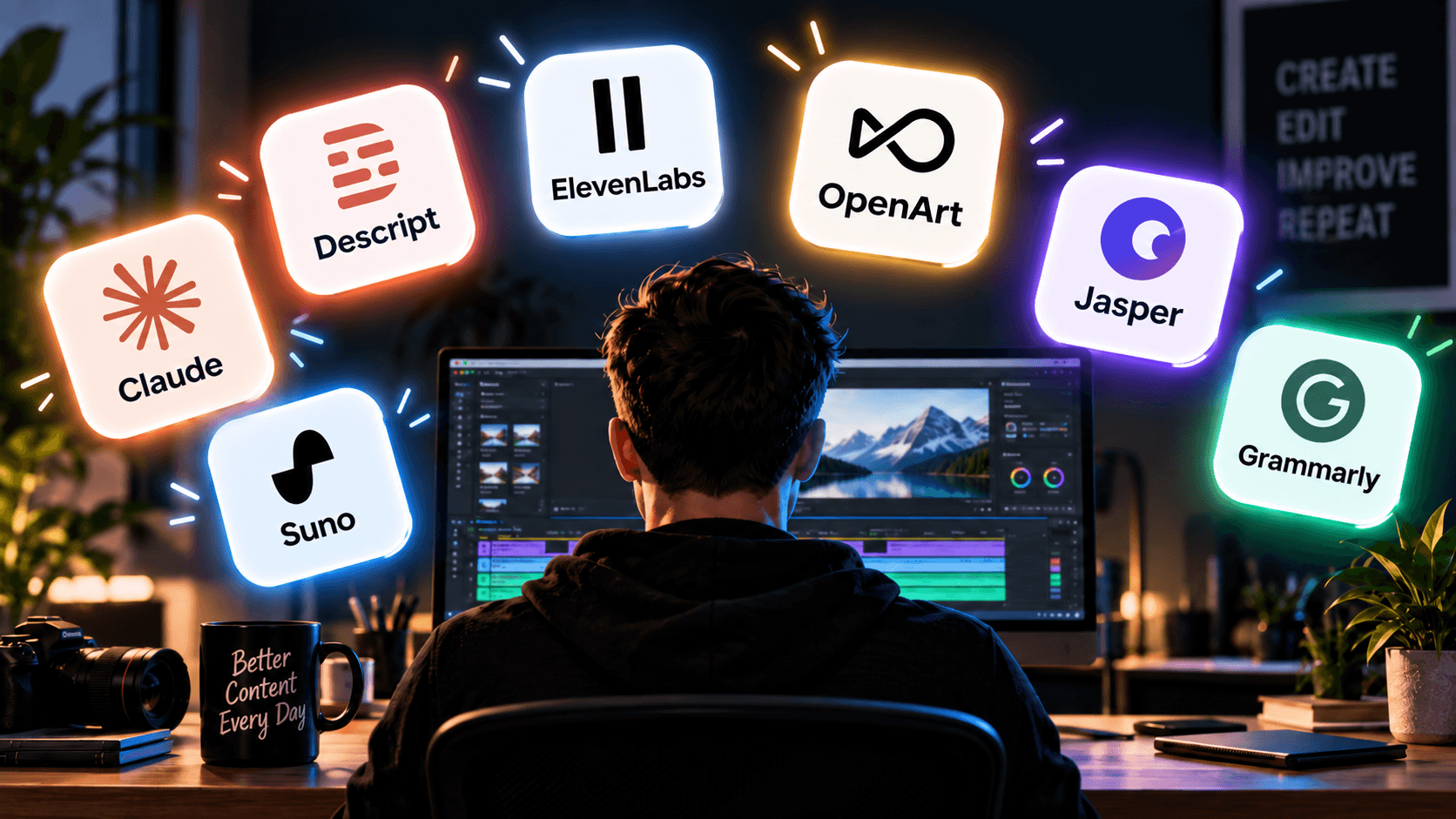
- Claude: best for scripting and ideas
- Descript: best for editing video and podcasts
- ElevenLabs: best for voiceovers and dubbing
- OpenArt: best for thumbnails and graphics
- Jasper: best for writing at volume
- Grammarly: best for the final polish
- Suno: best for music without licensing headaches
- Putting it together
Making content alone means wearing every hat at once: coming up with the idea, writing it, editing it, making it look good, and getting it out the door, all without a team to hand any of it off to. AI won't do the creative work for you, but it can take the slow, mechanical parts off your plate so more of your time actually goes toward the thing you're making.
Here are the seven tools we'd actually recommend for that, one per real stage of a solo creator's workflow, not just a random list of "AI tools that are popular right now."
Claude: best for scripting and ideas
Most content starts as a blank page problem, not a skill problem. Claude is the easiest place to work through an idea before you commit real time to it: outlining a video, drafting a script, turning one long piece into captions for five platforms, or just talking through why a hook isn't landing. It's also the one that reads the least like AI wrote it, which matters more here than almost anywhere else, a script or caption that sounds stiff is the kind of thing an audience notices immediately.
A genuinely useful way to use it: paste in your last three scripts or captions and ask it to write the next one in that same voice, rather than starting from a blank prompt every time. It won't write your personality into the final piece, but it's a strong thinking partner for getting from "I have a vague idea" to "I have something to actually film or write."

Claude
Claude is Anthropic's AI assistant, and it's known for writing that actually sounds natural, careful step-by-step reasoning, and solid performance on coding and research tasks.
Visit ClaudeDescript: best for editing video and podcasts
Editing is usually the single biggest time sink for a solo creator, and it's the stage most likely to get skipped or rushed when you're working alone. Descript changes the actual editing process: instead of scrubbing a timeline, you edit the transcript, delete a sentence in the text and the matching video or audio is cut too.
For a rough edit, that alone can turn an hour of scrubbing back and forth into a few minutes of deleting bad sentences from a document. It also has a filler-word removal pass built in, useful if "um" and "like" are the first thing you'd normally clean up by hand anyway.
Descript
Descript transcribes your recording automatically, then lets you cut, reorder, and clean up video or audio by editing that transcript, with an AI co-editor and voice cloning built in to handle retakes and filler words.
Visit DescriptElevenLabs: best for voiceovers and dubbing
Not every solo creator wants to be on mic every time, and re-recording a flubbed line or adding a voiceover to a piece you didn't originally narrate used to mean booking studio time you don't have. ElevenLabs generates natural-sounding voiceovers, can clone your own voice for consistency across projects, and handles dubbing if you ever want a piece to reach an audience in another language.
The voice cloning specifically is worth calling out: record a clean sample once, and you can fix a bad line months later without booking a new recording session or re-recording the whole piece around it.

ElevenLabs
ElevenLabs turns text into natural-sounding speech, clones a voice, dubs video into other languages, and now covers conversational voice agents and developer tools too.
Visit ElevenLabsOpenArt: best for thumbnails and graphics
A weak thumbnail or cover image can sink an otherwise good piece of content before anyone even sees it, and most solo creators aren't also trained designers. OpenArt gives you one subscription across a large range of image models instead of juggling separate tools for different styles, useful when a thumbnail needs one bold, high-contrast style and a blog cover needs something calmer.
Worth generating a handful of variations for the same thumbnail idea rather than accepting the first result, the difference between a thumbnail that gets clicked and one that doesn't is often small, easy-to-miss details like contrast or facial expression.
OpenArt
OpenArt gives you one subscription for dozens of AI image and video models, with tools for consistent characters, editing, and ready-made style presets built in.
Visit OpenArtJasper: best for writing at volume
If part of your output is written content, blog posts, ad copy, a steady stream of social captions, doing all of that from scratch every time adds up fast. Jasper is built specifically for producing that kind of content at volume, useful once you're not just writing one piece a week but repurposing and adapting the same ideas across several formats.
Where it earns its keep is turning one piece of long-form content into a week's worth of smaller posts, a blog post becomes five social captions and an email blurb, without you rewriting each one manually.

Jasper
Jasper writes blog posts, ad copy, social captions, and email campaigns for you, using AI agents behind the scenes to keep every piece in your brand's voice.
Visit JasperGrammarly: best for the final polish
Whatever you write, a script, a caption, an email to a brand, it's the one thing going out under your name with nobody else checking it first. Grammarly is the last-pass tool, catching typos, awkward phrasing, and tone issues before anything gets published, the kind of check a second set of eyes would normally catch on a team.
Run it last, after everything else, not first. Editing for tone before the content itself is finished just means editing the same sentence twice.

Grammarly
Grammarly checks your writing for grammar, spelling, and tone as you type, then suggests full-sentence rewrites to make it clearer, right in your browser, email, or docs.
Visit GrammarlySuno: best for music without licensing headaches
Background music, an intro sting, an outro, these are small details that still take real time to sort out properly, and stock music libraries come with their own licensing rules to keep track of. Suno generates original tracks from a text prompt, genuinely useful for a solo creator who needs a short, specific piece of music without hunting through a stock library or worrying about a copyright claim later.
Describe the mood and length you need rather than a genre alone, "20 seconds, upbeat, no vocals, for a product reveal" gets you something usable far faster than "upbeat pop song."

Suno
Suno generates a complete song, lyrics, vocals, and instrumentation, from a short text prompt, no musical training or instrument needed.
Visit SunoPutting it together
None of these tools do the creative work for you, and that's the point, the thing that actually makes your content yours is still entirely on you. What they remove is the slow, repetitive parts around that work: outlining, transcribing, editing by hand, designing from a blank canvas, proofreading your own writing, and sourcing music. Pick the two or three that match where you're actually losing the most time right now, rather than trying to adopt all seven at once.